Image Accessibility in Web Design: A Complete Guide to Inclusive Visual Content
Learn how to create accessible images for websites that work for all users, including those with visual impairments and screen readers.
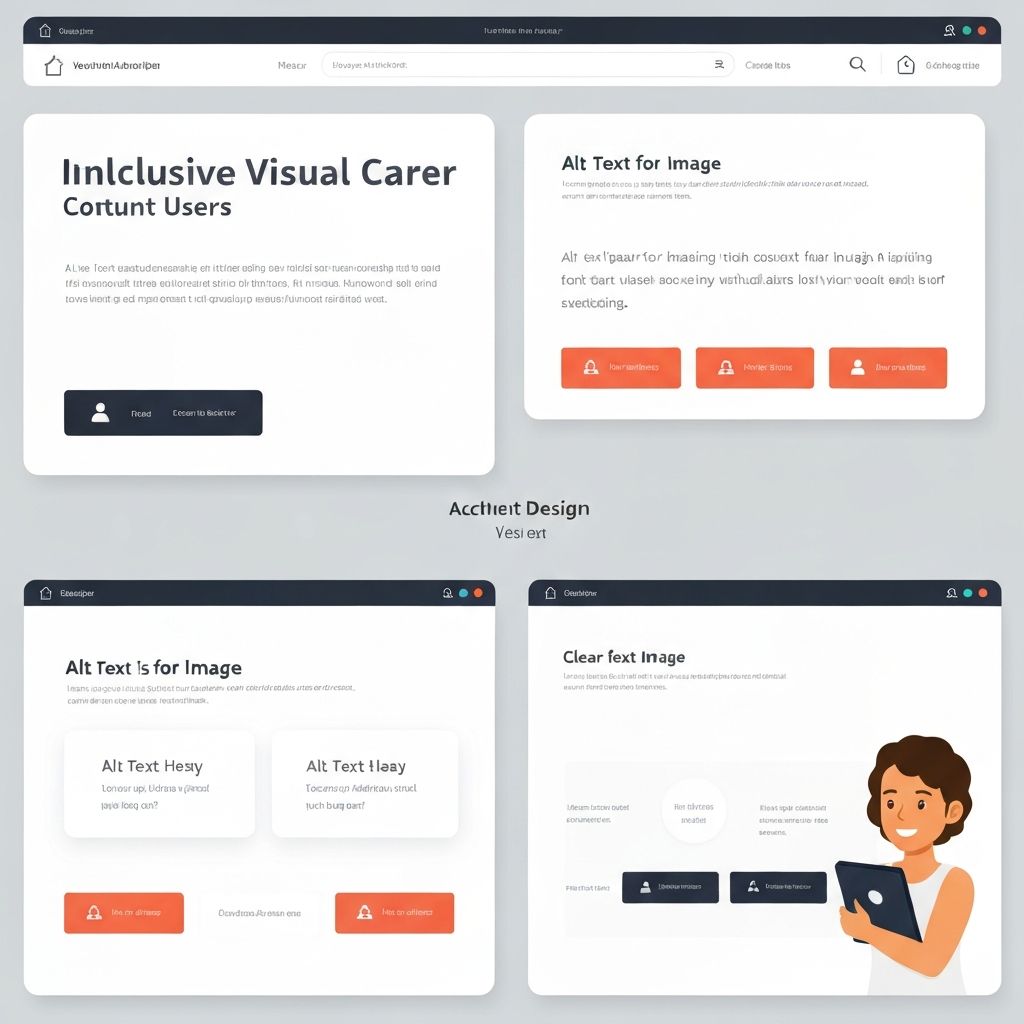
In an increasingly visual web, image accessibility is no longer optional—it's essential. Millions of users rely on assistive technologies to navigate digital content, and properly optimized images ensure everyone can engage with your website regardless of ability.
Why Image Accessibility Matters
Approximately 2.2 billion people worldwide have some form of visual impairment. When images lack proper accessibility features, these users miss crucial content and context. Beyond the ethical imperative, accessibility also affects SEO rankings, legal compliance, and overall user experience for everyone.
Search engines can't "see" images—they rely on text descriptions to understand visual content. Well-written alt text improves your search visibility while serving users who can't view images due to slow connections, disabled images, or visual impairments.
Writing Effective Alt Text
Alt text (alternative text) describes an image's content and function. Good alt text is concise yet descriptive, typically 125 characters or fewer. It should convey the essential information the image provides without being redundant with surrounding text.
Consider context when writing alt text. A photo of a dog might need different descriptions depending on its purpose. On a pet adoption site: "Golden retriever puppy available for adoption, 3 months old." On a veterinary blog: "Golden retriever puppy playing fetch in a sunny park." The second description paints a picture that conveys the image's content and mood.
Decorative images that don't add meaningful content should have empty alt attributes (alt=""). This tells screen readers to skip the image entirely, preventing unnecessary clutter in the audio experience. Common decorative elements include background patterns, divider lines, and purely aesthetic flourishes.
Complex Images and Extended Descriptions
Some images contain complex information that can't be adequately described in brief alt text. Charts, graphs, infographics, and diagrams often fall into this category. For these images, you'll need extended descriptions that provide complete access to the visual information.
One approach is using the longdesc attribute or aria-describedby to link to a detailed text description. Another method is providing the full description in the surrounding text content. For data visualizations, consider also providing the underlying data in an accessible table format.
Color Contrast and Visual Design
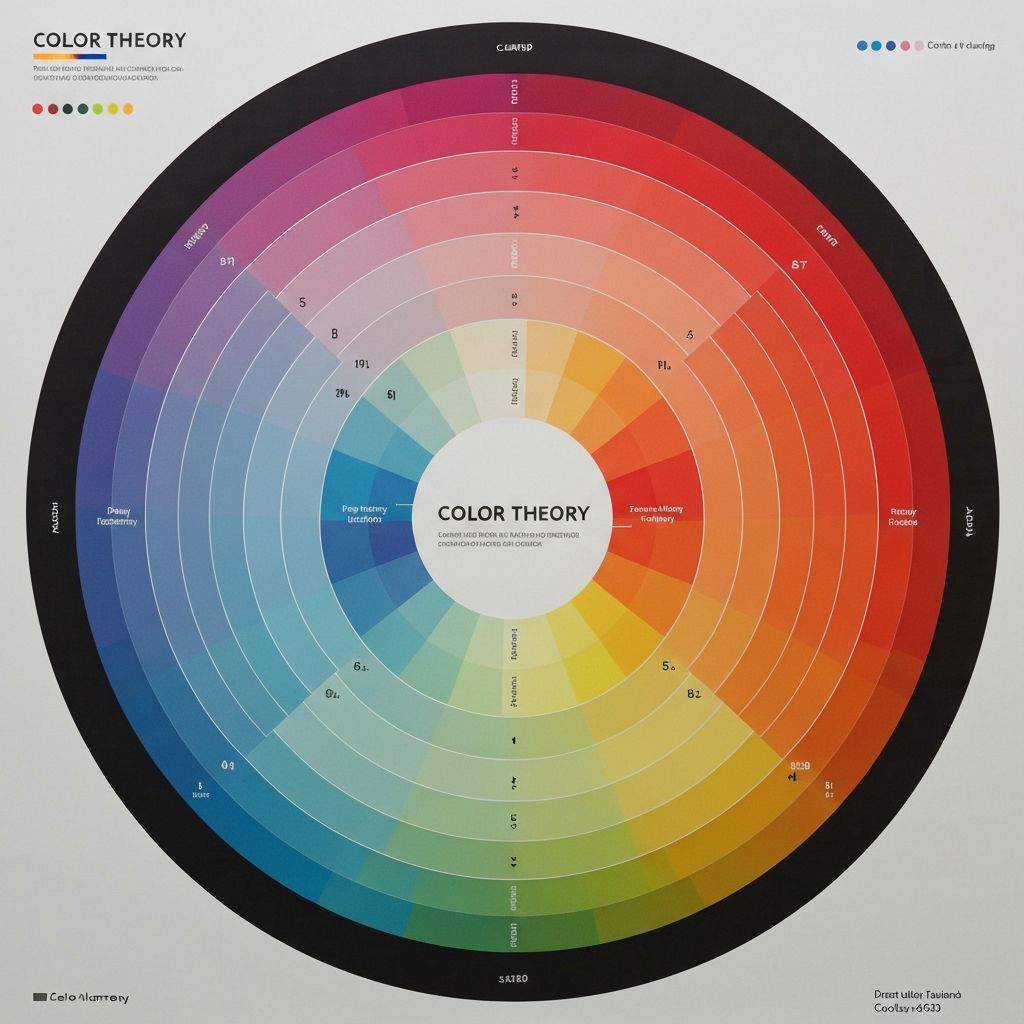
Color choices significantly impact accessibility. Approximately 8% of men and 0.5% of women have some form of color blindness. Relying solely on color to convey information excludes these users from understanding your content.
WCAG guidelines specify minimum contrast ratios: 4.5:1 for normal text and 3:1 for large text. Tools like the WebAIM Contrast Checker help verify your color combinations meet these standards. When using images with text overlays, ensure sufficient contrast between the text and background image.
Beyond color blindness, consider users with low vision who may need to zoom in on images. Vector graphics and SVGs scale better than raster images, maintaining clarity at any size. When using raster images, provide high-resolution versions that remain sharp when enlarged.
Responsive Images and Accessibility
Responsive design and accessibility go hand in hand. Images that don't scale properly on mobile devices create barriers for users. Use the srcset attribute to provide multiple image sizes, allowing browsers to select the most appropriate version for each device.
Ensure images maintain their aspect ratio when scaling to prevent distortion. Avoid images with small text that becomes illegible on mobile screens. If text in images is necessary, consider using SVGs or providing the text content separately in HTML.
Interactive Images and Accessibility
Images with interactive elements—image maps, clickable areas, or hover effects—require special accessibility considerations. All interactive areas must be keyboard accessible, with clear focus indicators showing which element is currently selected.
For image maps, each clickable area needs its own alt text describing its destination or function. Consider whether the image map is the best approach; often, a list of text links provides a more accessible alternative while conveying the same information.
Testing Your Images for Accessibility
Regular accessibility testing ensures your images work for all users. Use screen readers like NVDA, JAWS, or VoiceOver to experience your site as blind users do. Listen to how your alt text sounds when read aloud—does it make sense? Does it convey the essential information?
Automated testing tools like WAVE, axe, and Lighthouse identify common accessibility issues, but they can't evaluate alt text quality. Manual review remains essential for ensuring descriptions are meaningful and accurate.
Best Practices for Accessible Images at ImageToolsPro
When preparing images with ImageToolsPro, keep accessibility in mind throughout the process. Our compression tools maintain image quality while reducing file sizes, ensuring fast loading times for all users including those on slower connections or assistive technologies.
Use our resize tool to create appropriately sized images for different contexts. Smaller images load faster and work better on mobile devices. Our format conversion tools help you choose the right format—WebP for modern browsers with JPEG fallbacks for older systems ensures broad compatibility.
Conclusion
Image accessibility isn't an afterthought—it's a fundamental aspect of good web design. By implementing proper alt text, ensuring sufficient color contrast, and designing with all users in mind, you create a more inclusive web experience. The effort invested in accessibility pays dividends through expanded reach, improved SEO, and legal compliance. Start implementing these practices today, and make your visual content work for everyone.