Free vs Paid Image Editing Tools: A Comprehensive Comparison for 2026
Discover the differences between free and paid image editing software, their features, limitations, and which option is best for your needs.
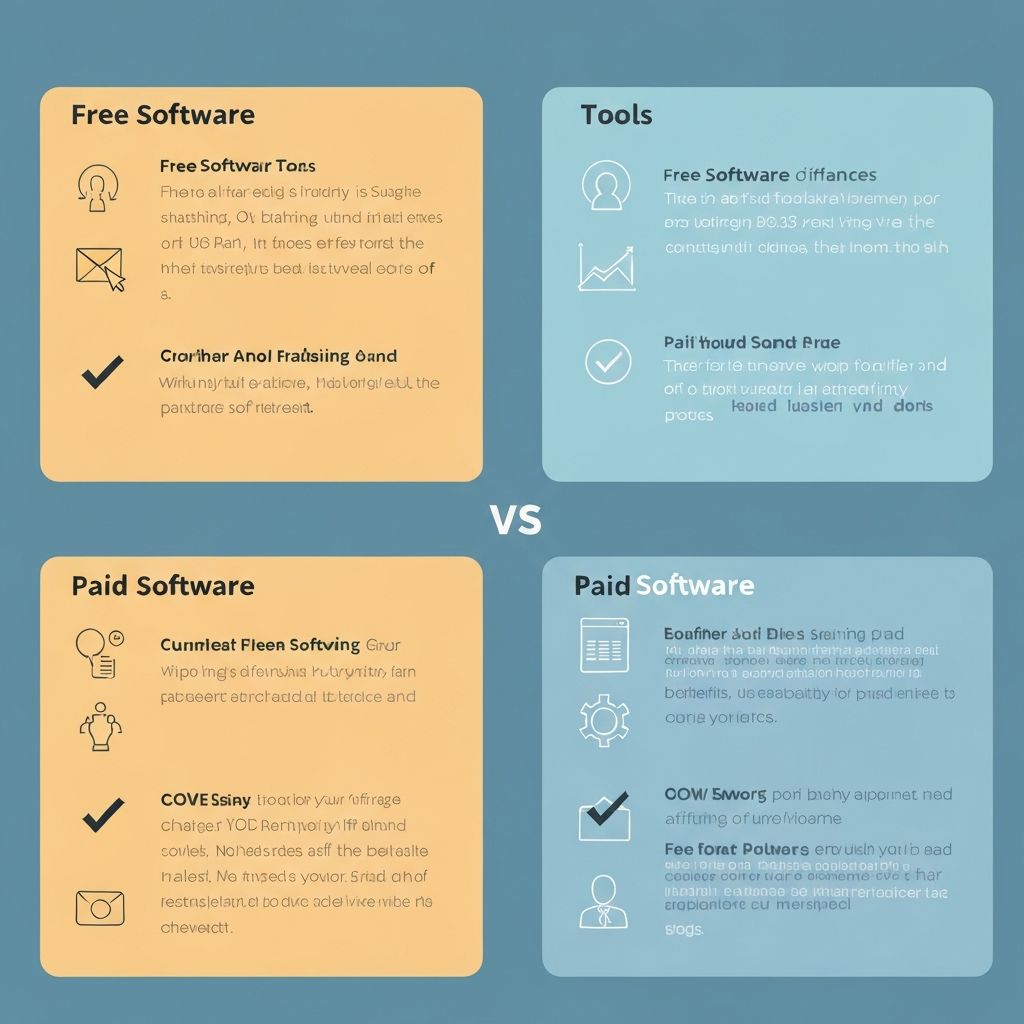
Choosing between free and paid image editing tools can be overwhelming. This comprehensive guide breaks down the differences, helping you make an informed decision based on your needs and budget.
Understanding Your Image Editing Needs
Before diving into specific tools, it's important to assess your actual requirements. Are you editing photos casually for social media, working on professional projects for clients, or creating graphics for a business? Your use case dramatically influences whether a free or paid tool is the right choice.
Casual users often find that free tools meet all their needs, while professional photographers and designers typically require advanced features that justify the investment in premium software. Understanding this distinction from the start prevents wasted time and money on tools that don't match your workflow.
Free Image Editing Tools: Advantages and Limitations
Free image editing tools have come a long way in recent years. Platforms like GIMP, Pixlr, and even ImageToolsPro offer surprisingly robust features without requiring a subscription. These tools are excellent for learning, experimenting, and handling basic to intermediate editing tasks.
The main advantages of free tools include:
- No financial commitment, making them perfect for testing workflows
- Strong community support and abundant online tutorials
- No subscription fees or hidden costs
- Often web-based, meaning no installation or system requirements
- Frequently updated with new features based on user feedback
However, free tools come with limitations. They typically offer fewer advanced features than their paid counterparts, have less customer support, and may include ads or limited file formats. Processing speeds can be slower, especially for batch operations, and interface design may feel less polished than professional software.
Paid Image Editing Software: What You Get
Paid software like Adobe Photoshop, Lightroom, and Corel PaintShop Pro offers comprehensive feature sets designed for professionals. These tools provide advanced layer manipulation, complex selection tools, professional-grade color correction, and extensive plugin ecosystems.
Key benefits of premium software include:
- Advanced features for professional-level editing
- Superior performance and processing speeds
- Dedicated customer support
- Regular updates with cutting-edge features
- Integration with other professional tools
- More file format support
- Better handling of large files and batch operations
The primary drawback is cost. Adobe's Creative Cloud subscription costs $54.99 monthly, and other premium tools range from $50-$300+ per year. For casual users, this investment may not be justified.
Comparing Popular Free Tools
GIMP remains the gold standard for free desktop editing software, offering powerful tools comparable to paid alternatives. Pixlr provides a user-friendly web-based experience, while ImageToolsPro excels at quick, specific tasks like resizing, compression, and format conversion without the learning curve of full-featured editors.
For beginners, web-based free tools often provide the gentlest learning curve. For advanced users wanting more control, GIMP's layer system and filter suite are unmatched among free options.
Comparing Industry-Standard Paid Tools
Adobe Photoshop is the industry standard, used by professionals worldwide. Lightroom specializes in photo organization and correction. Capture One offers professional-grade color grading. Each serves different needs and user skill levels.
For hobbyists wanting paid tools without subscription models, Affinity Photo offers excellent value as a one-time purchase, and PaintShop Pro provides Photoshop-like features at a lower price point.
Making Your Decision: Free or Paid?
Choose free tools if you: are learning to edit, edit occasionally for personal use, need quick specific edits, have budget constraints, or work with simple projects. Choose paid tools if you: edit professionally or frequently, require advanced features, want priority support, work with large files, or need seamless integrations with other tools.
Many professionals use a hybrid approach, combining free tools for quick edits with paid software for complex projects. This strategy maximizes your toolkit while managing costs effectively.
Conclusion: The Best Tool Is the One You'll Use
Ultimately, the best image editing tool is one that matches your skill level, workflow, and budget. Start with free options to learn and experiment. As your needs grow and become more specialized, consider upgrading to paid software. Remember that expensive software doesn't guarantee better results—a skilled user with free tools can often outproduce a novice with premium software.